
The product
Every step of
the job, in one place.
Booking, the agreement, the work on site, the report, the lab results and the payment: one app for the whole job, on the web for the office and on the phone for the field.
01 — Capture
The field, offline.
Photos, labels, notes, voice and lab samples save on the phone and sync later.
The phone app works with zero signal: in the crawl space, the attic, the basement. Everything your team captures is saved on the phone the moment it is taken, so a dead battery or a restart loses nothing. When the phone is back in range, it syncs on its own.

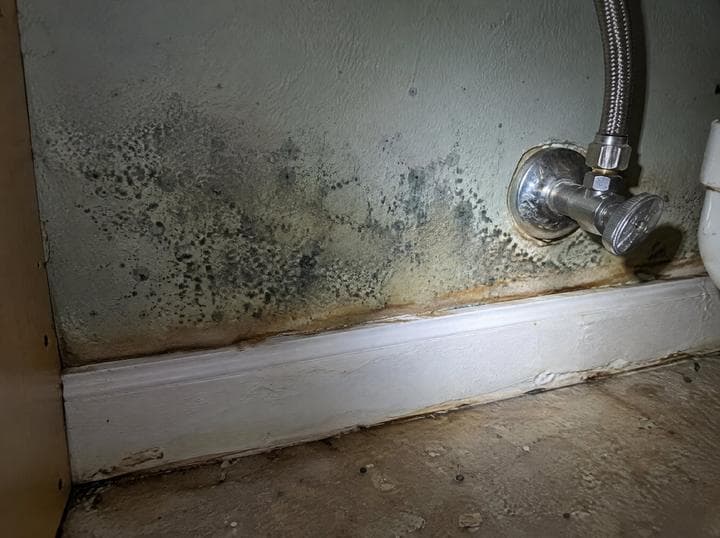
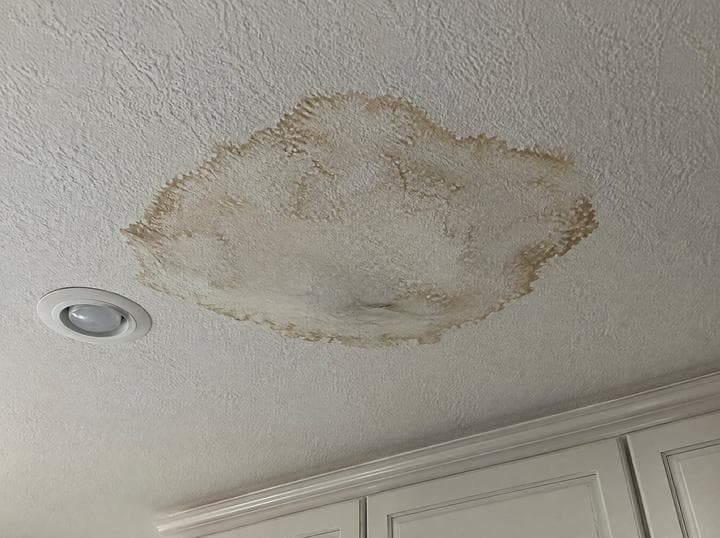
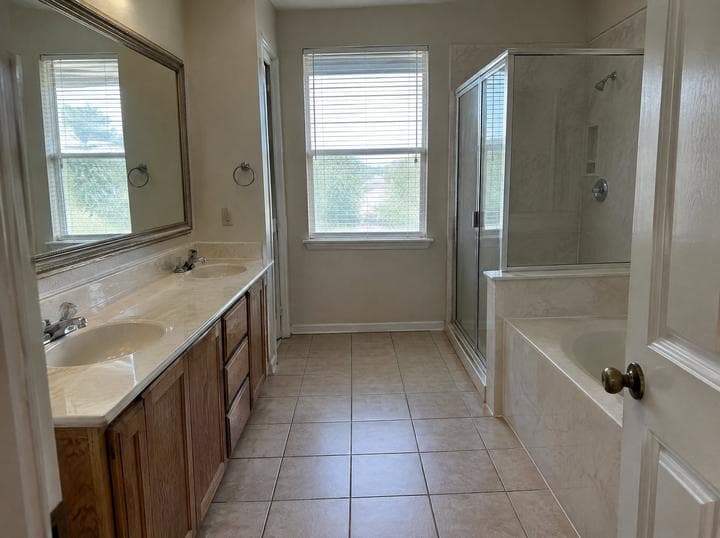
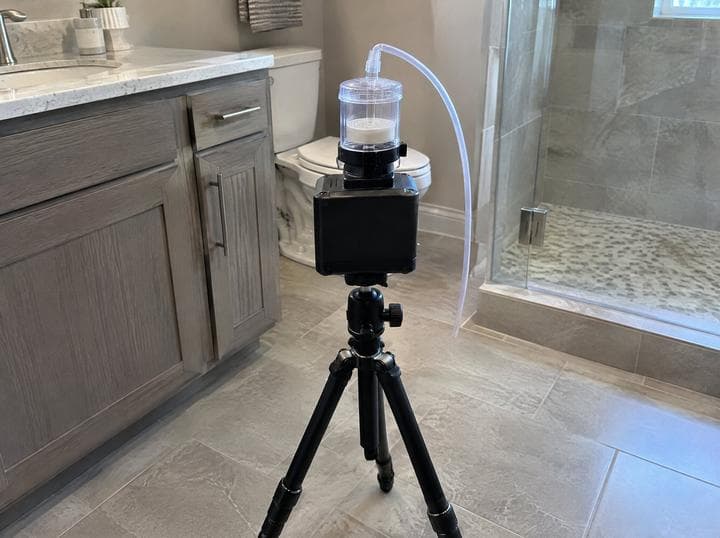
- Photos with labels
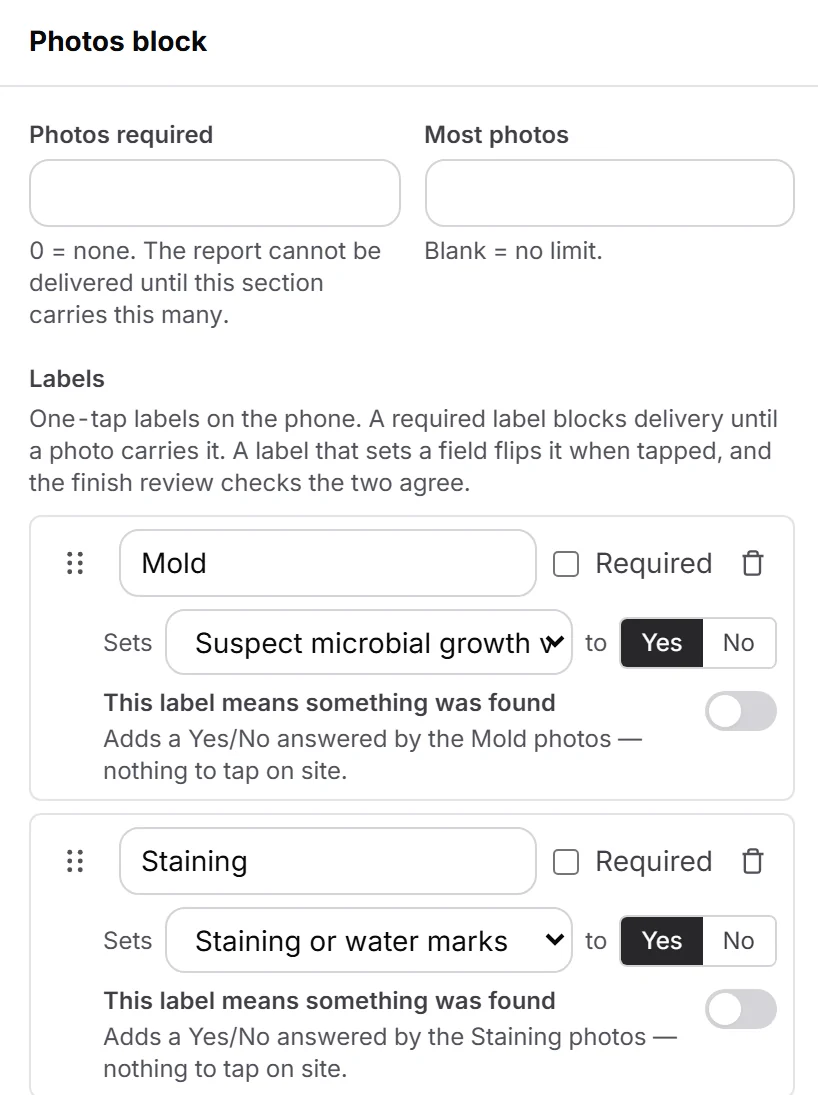
- A photo’s label decides where it lands in the report. Mark it up with an arrow before you move on.
- Notes and voice
- Tap a choice, type, or dictate. Every answer is saved as you go.
- Lab samples
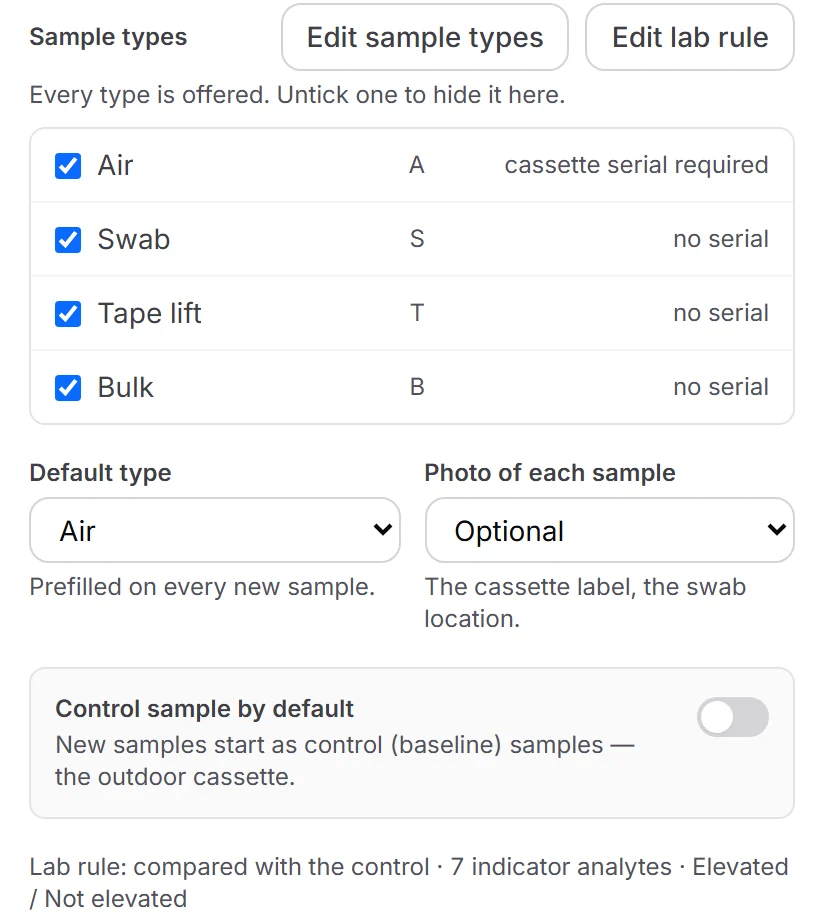
- Scan the air cassette’s serial on site. It stays with the sample all the way to the lab results.
- Every room
- Add a room, a unit or a floor as many times as the job needs.
- Nothing lost
- Survives a dead battery, an app restart and a whole day with no bars.
- Sync
- Automatic, the moment the phone is back in range.
02 — Templates
Your report, built once.
Import your Word report and edit it with blocks.
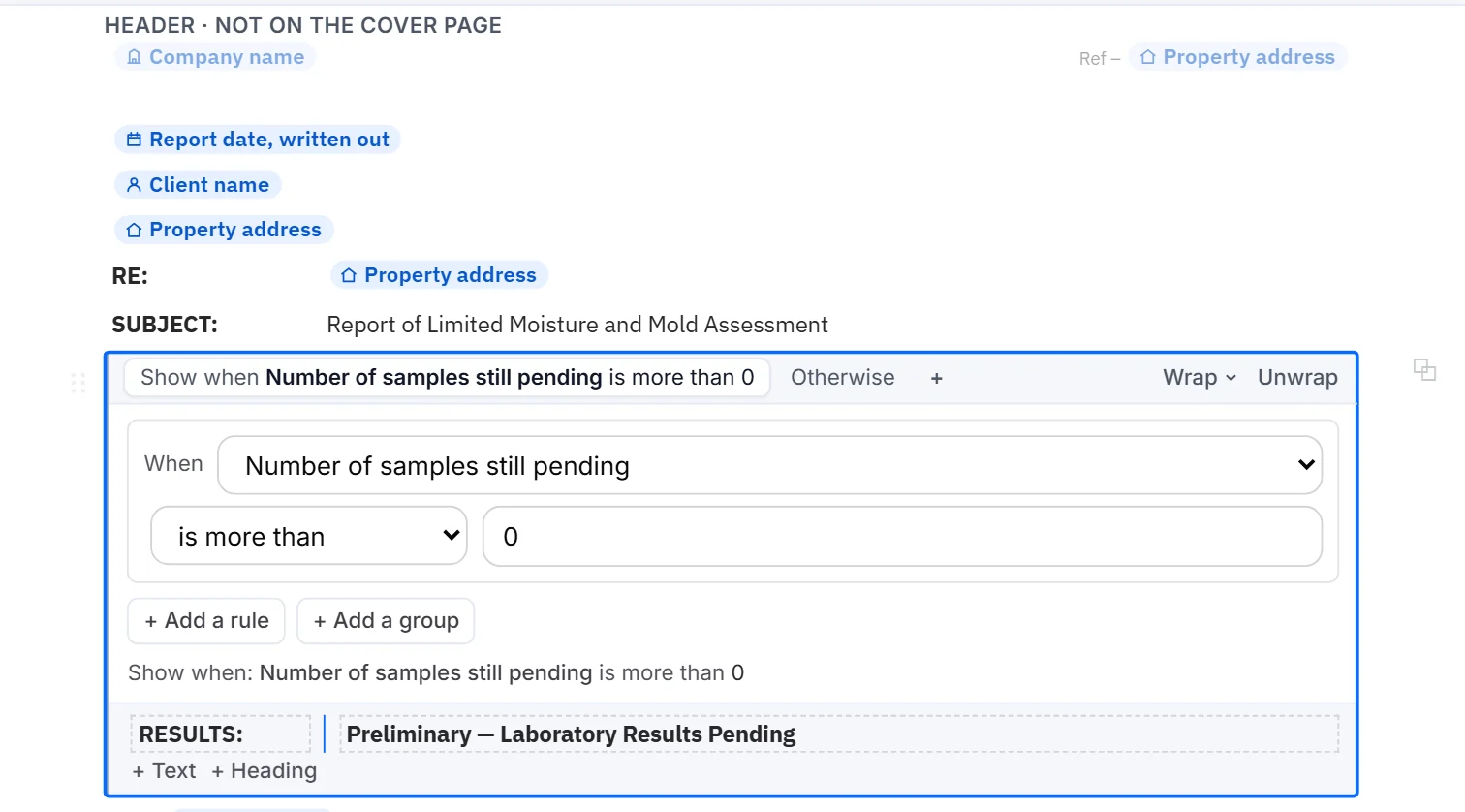
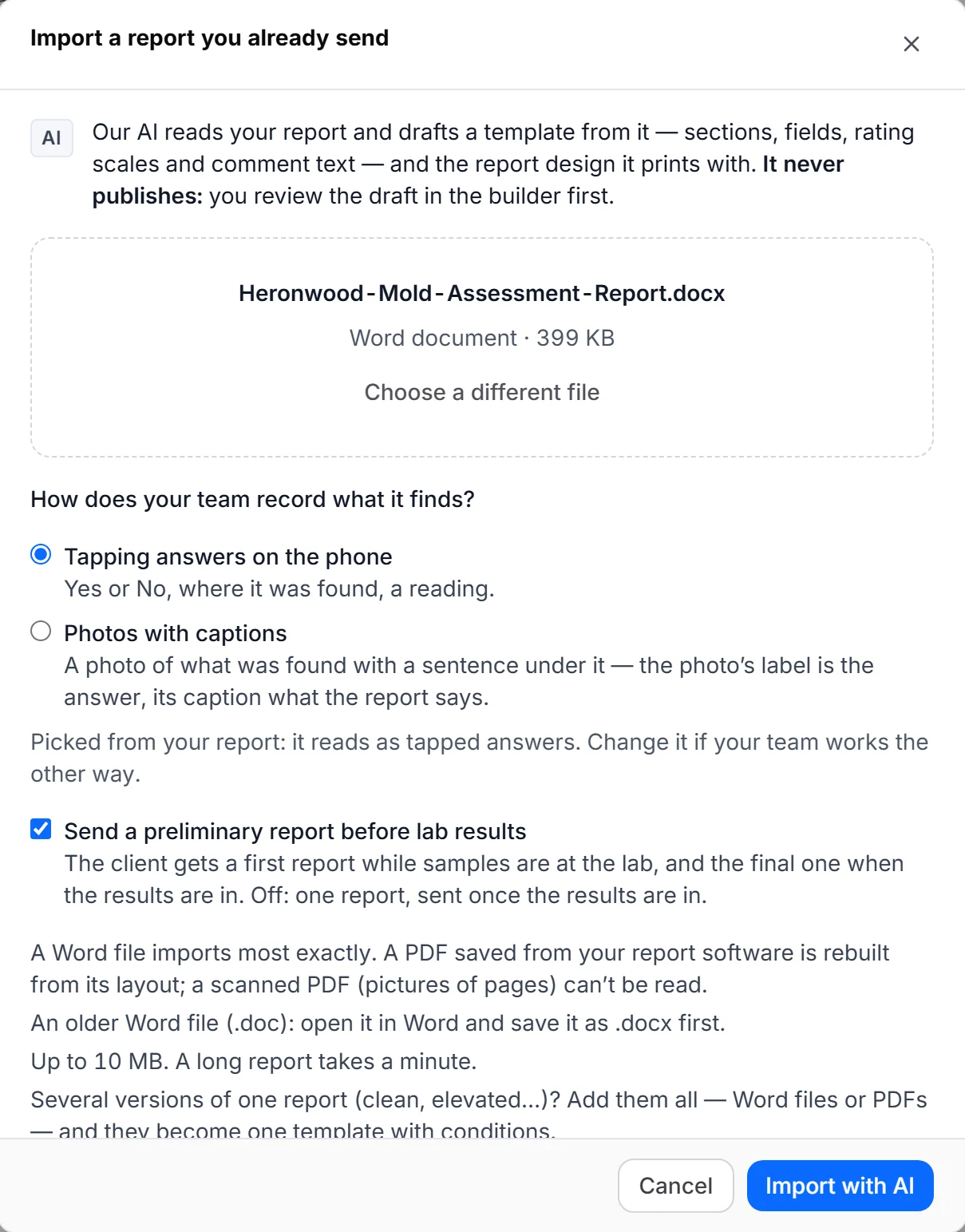
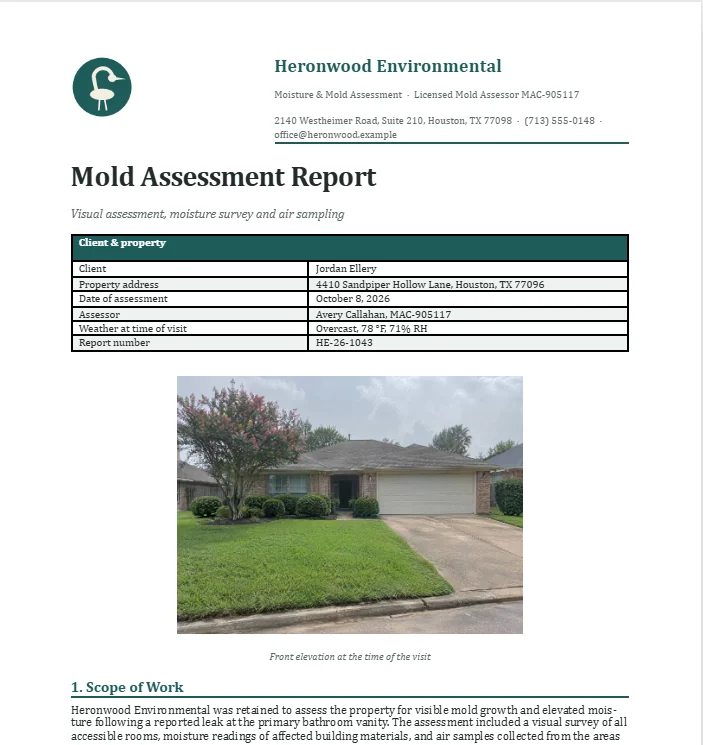
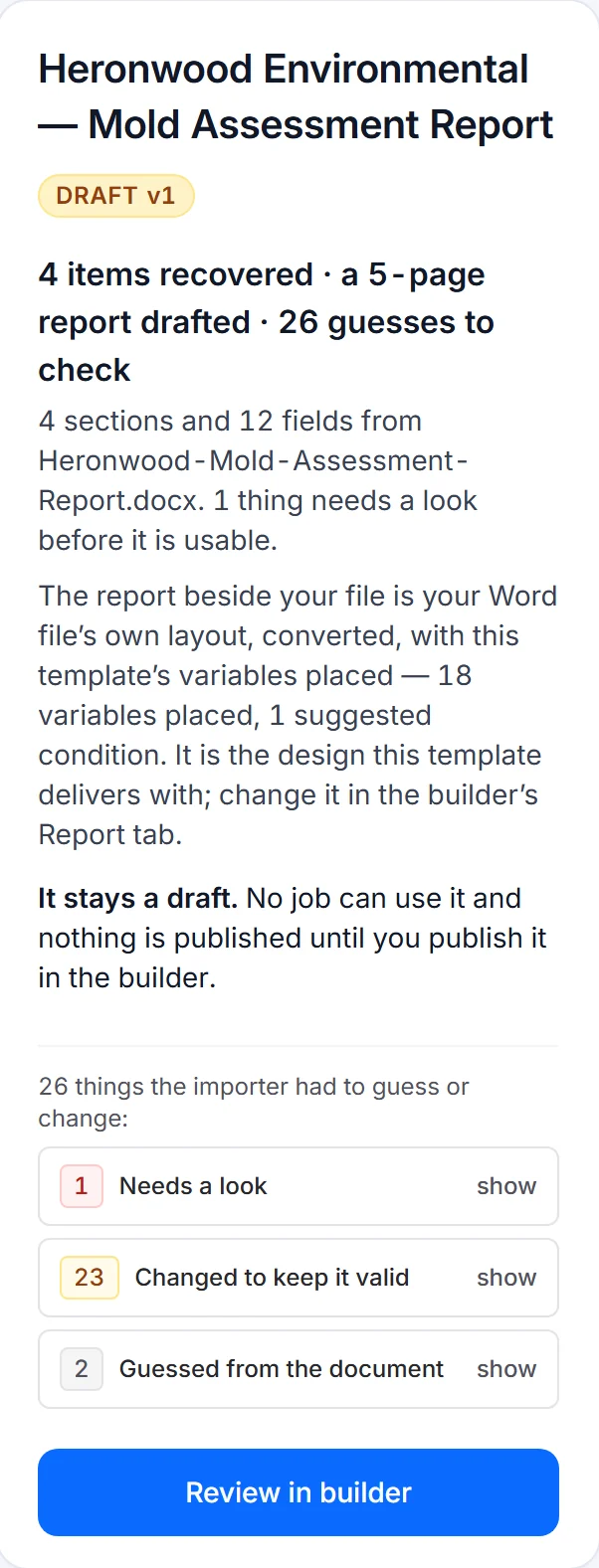
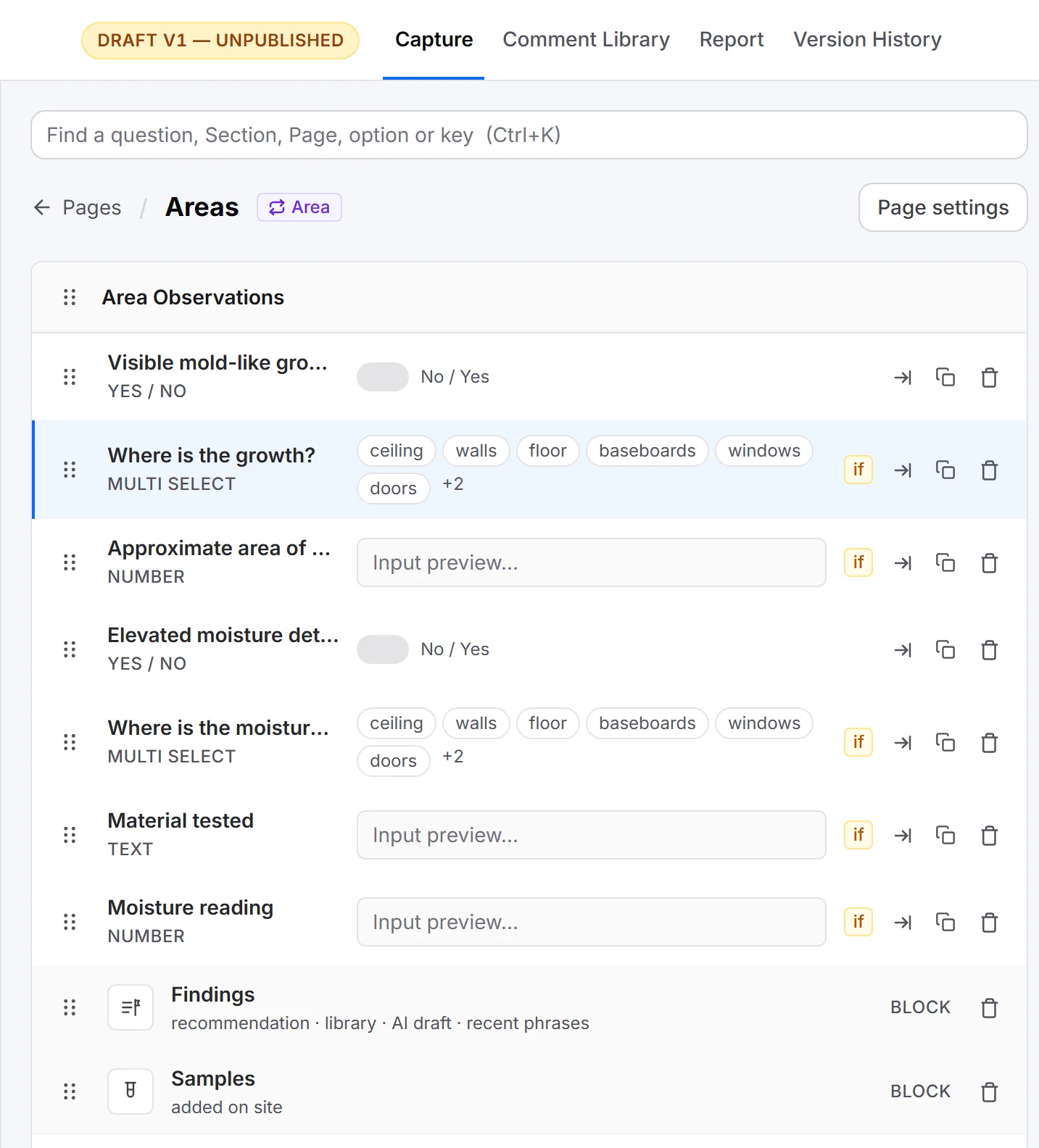
Upload the report you already send. Keypoint copies its layout, wording and logo into a template and marks the places each job fills in. Review it, change what you like in the builder, and publish.
How Word import works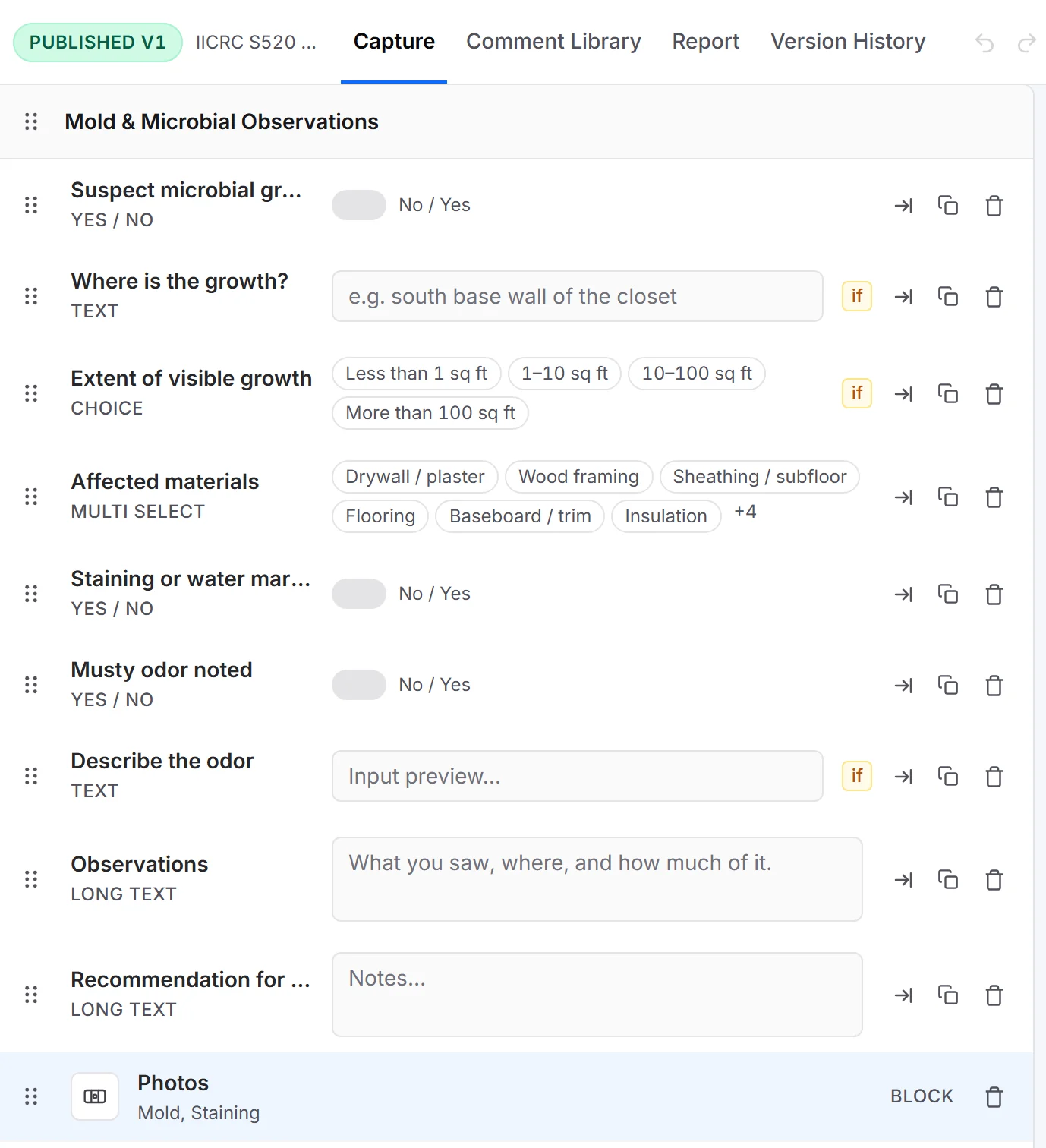
i.Upload the report you already send
ii.Check what it found, beside your file
iii.Open the draft in the builder
- i.Upload the report you already send
- ii.Check what it found, beside your file
- iii.Open the draft in the builder
- Sections and fields
- Rooms, systems, units: whatever your report walks through, with the questions you ask in each.
- Logic
- Show a question only when an answer calls for it. A hidden question stays out of the report.
- Photos
- Photo blocks with your own labels, like “Mold”, “Water line” or “Overview”.
- Lab samples
- Sample types with their own fields, named A-1 or S-1, with a serial when the cassette has one.
- Versions
- Editing a template never changes a report that is already under way.
03 — Booking
Clients book themselves.
Your booking page; reminders go out on their own.
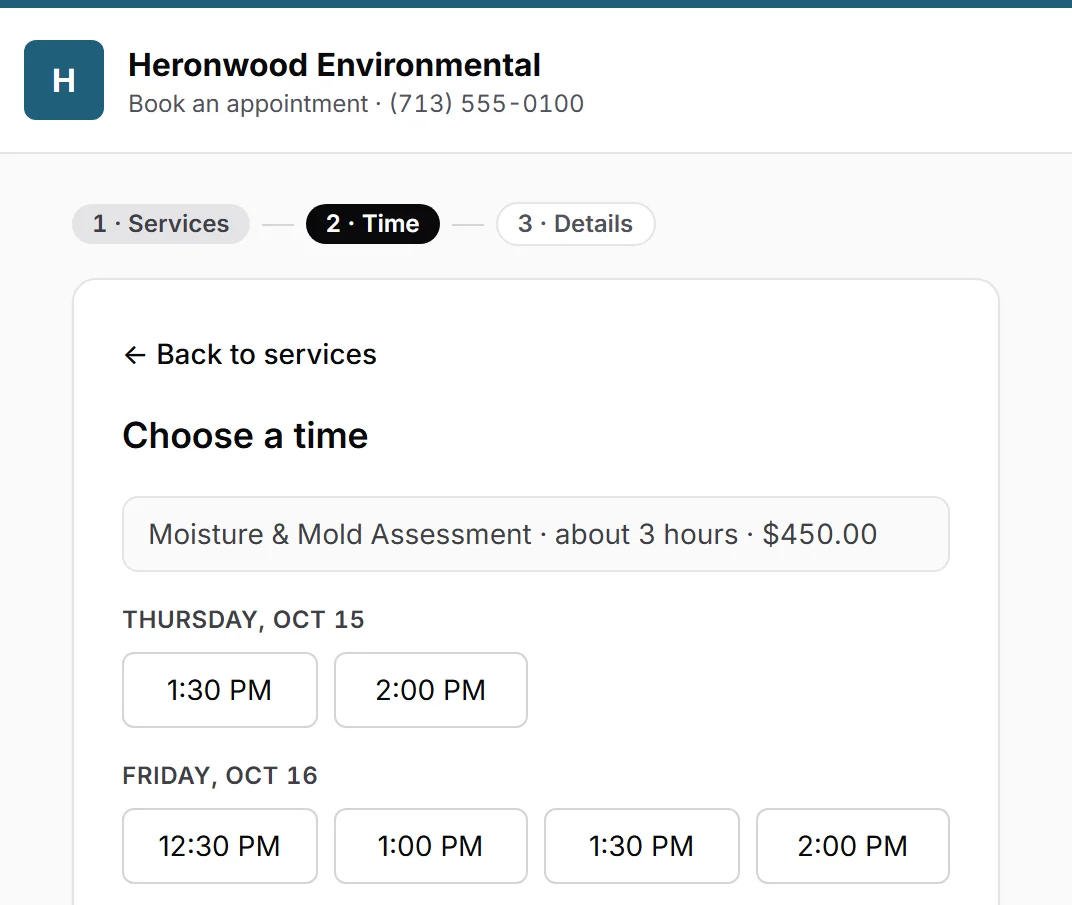
- Your services.
- Clients pick a service, add-ons and an open time from your team’s availability.
- Email reminders.
- A confirmation email the moment they book, and a reminder email the day before.
- Your wording.
- Every email reads the way you write it.
04 — Agreements
Signed before you drive out.
The agreement goes out with the booking.
- Your agreement.
- Your terms, your wording, e-signed by the client on their phone or computer.
- Status on the job.
- Sent, viewed, signed: the job shows where it stands.
- On the phone too.
- The phone knows the agreement is signed before work starts, even with no signal.
05 — Delivery
Preliminary, then final.
A client portal and a PDF for every report.
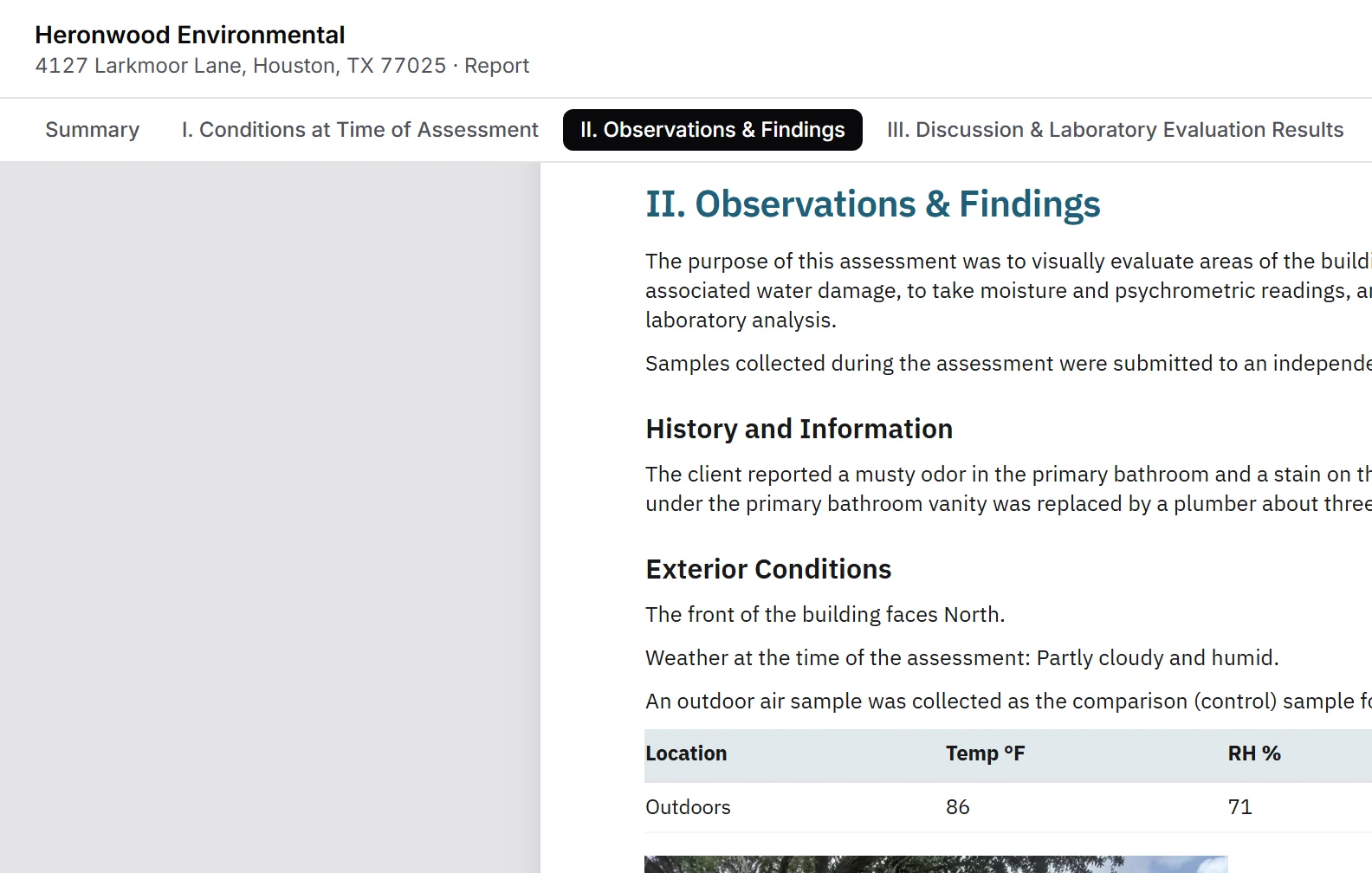
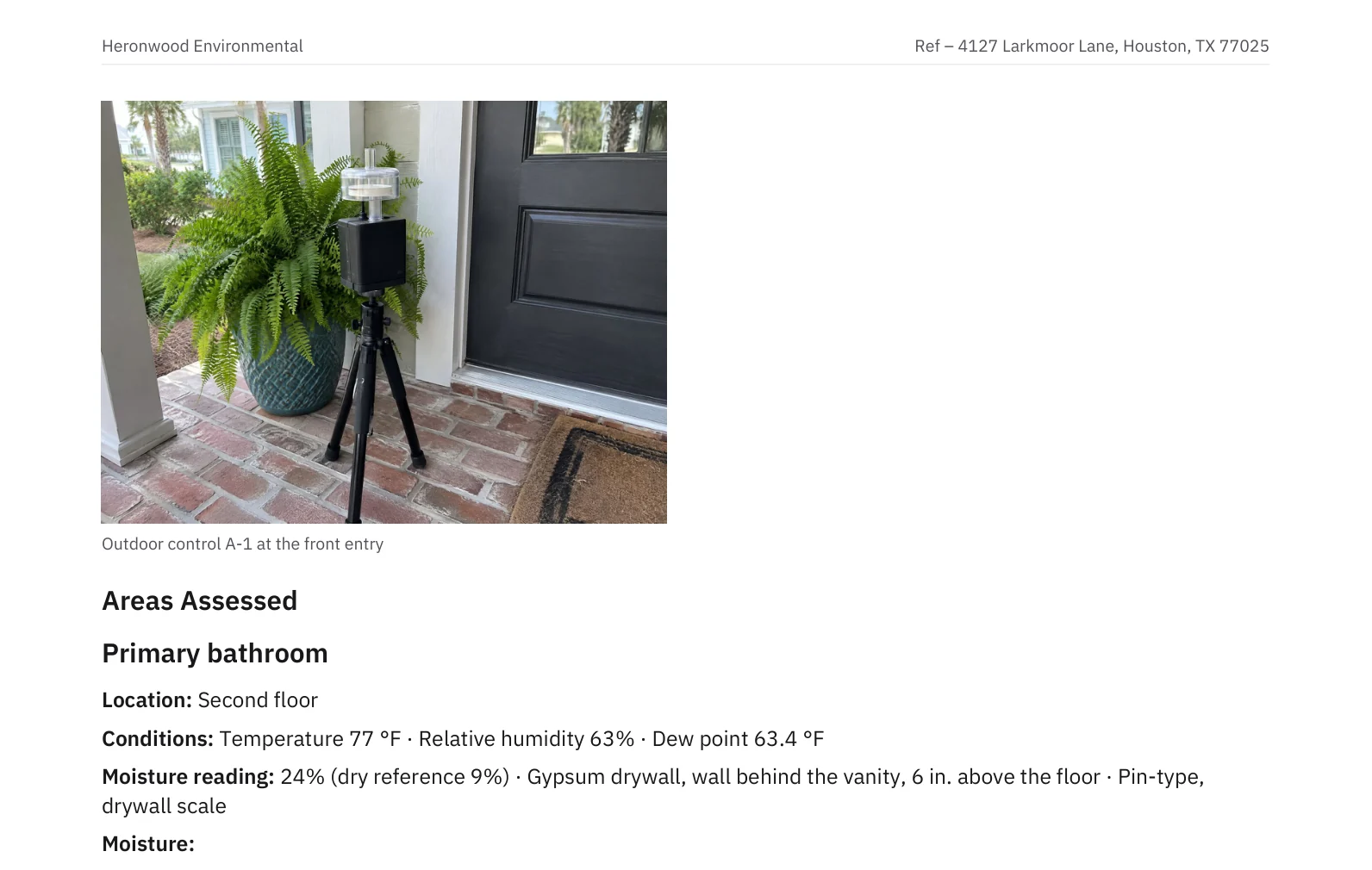
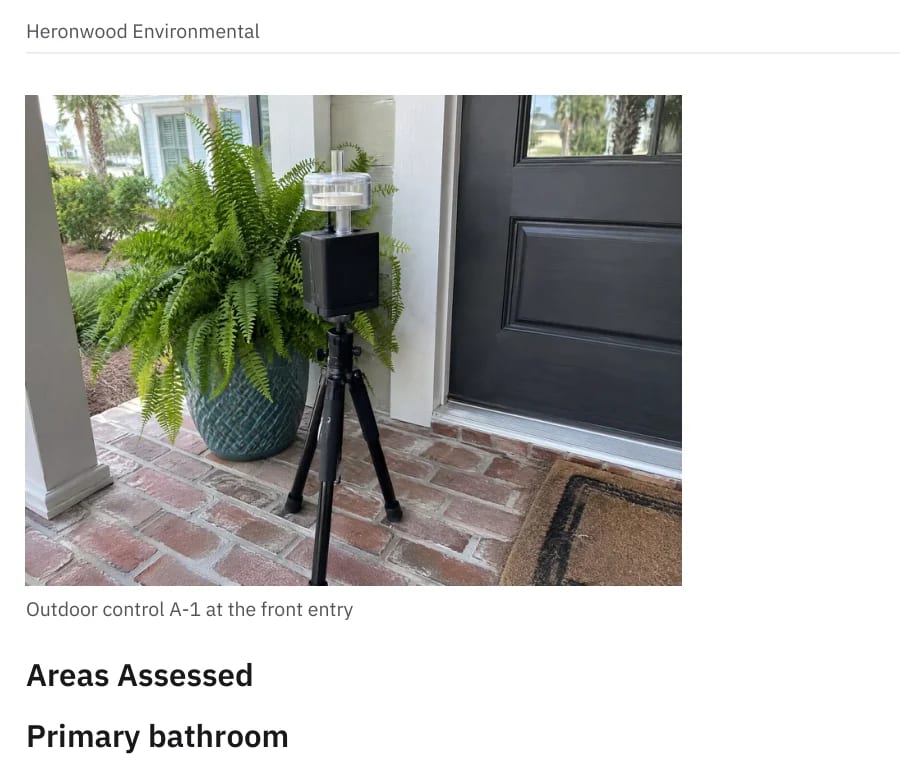
- Preliminary.
- Goes out the day of the job, watermarked PRELIMINARY on the page and in the portal.
- Final.
- Follows when the lab results are back and reviewed.
- One link.
- Your client reads it on their phone or downloads the PDF.
06 — Payments
Paid with the report.
Card or bank transfer, through Stripe.
- Your Stripe account.
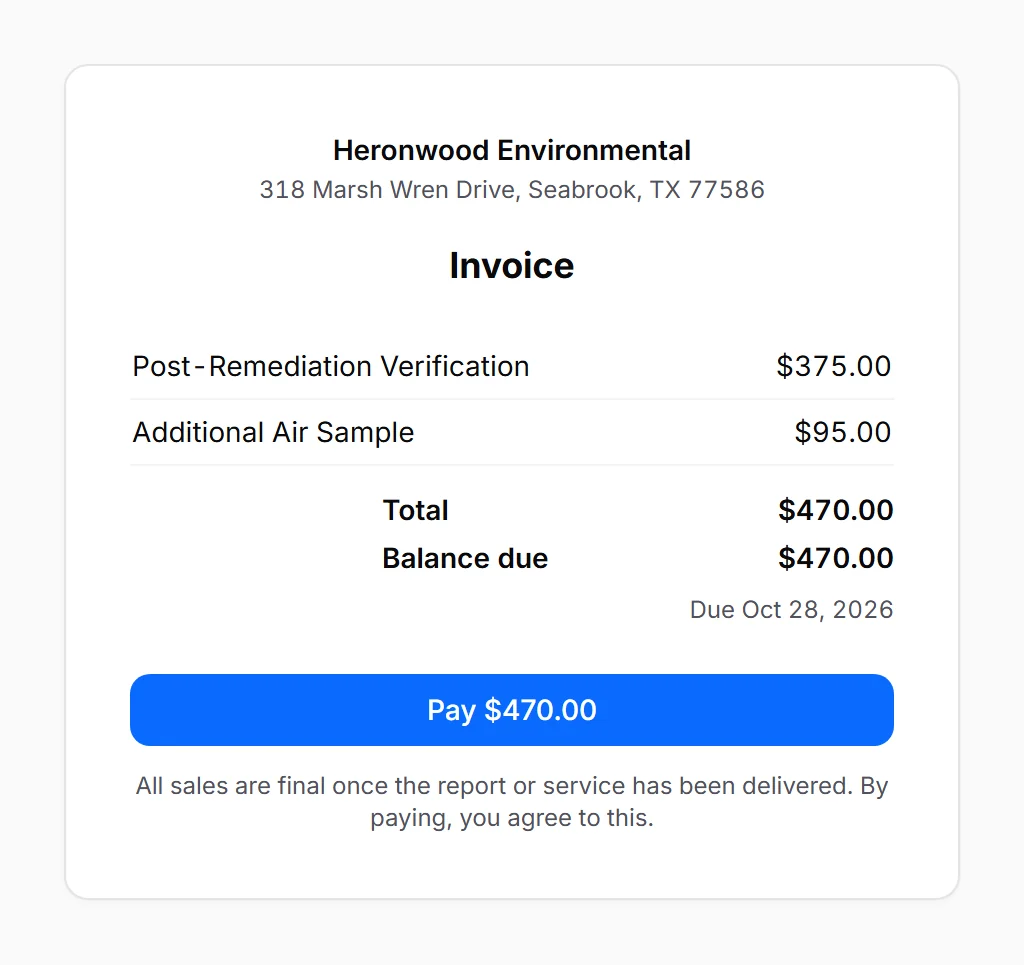
- Card and ACH payments go straight into your business’s own Stripe account.
- Beside the report.
- The invoice sits next to the report in the portal, one Pay button away.
- Your call.
- Hold the report until it’s paid, if you choose. Overdue invoices get a reminder email.
07 — Lab results
The app suggests. You decide.
Read from the lab’s PDF, reviewed by a person.
- Read for you.
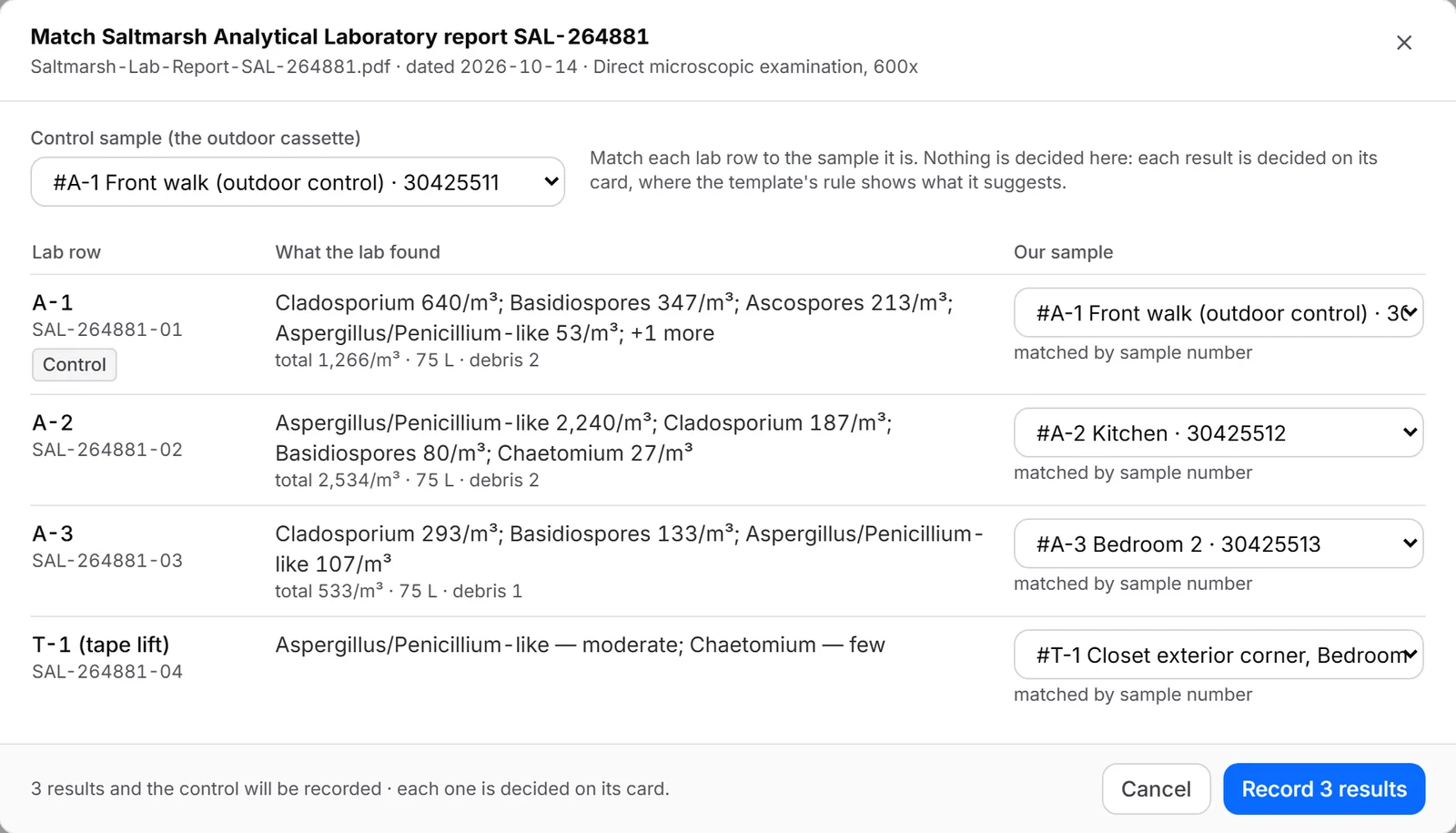
- Upload the lab’s PDF. Keypoint reads each result and matches it to your samples by cassette serial.
- Suggested, in your words.
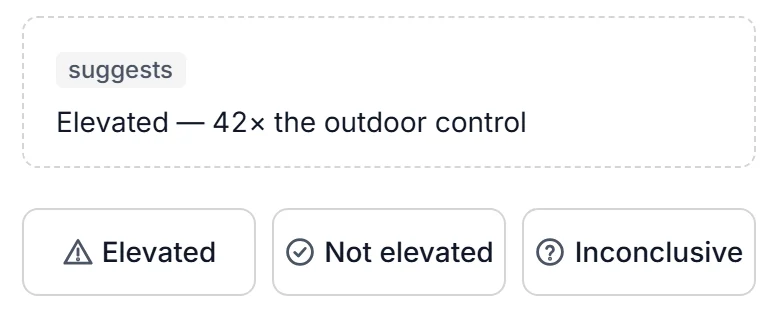
- It checks the arithmetic and suggests a finding from your template’s rule, like “Elevated”.
- Decided by you.
- Confirm or change each one. The final report waits until every sample has a determination.
- Chain of custody.
- Printed from the samples you logged on site.
08 — Team
Every job on every phone.
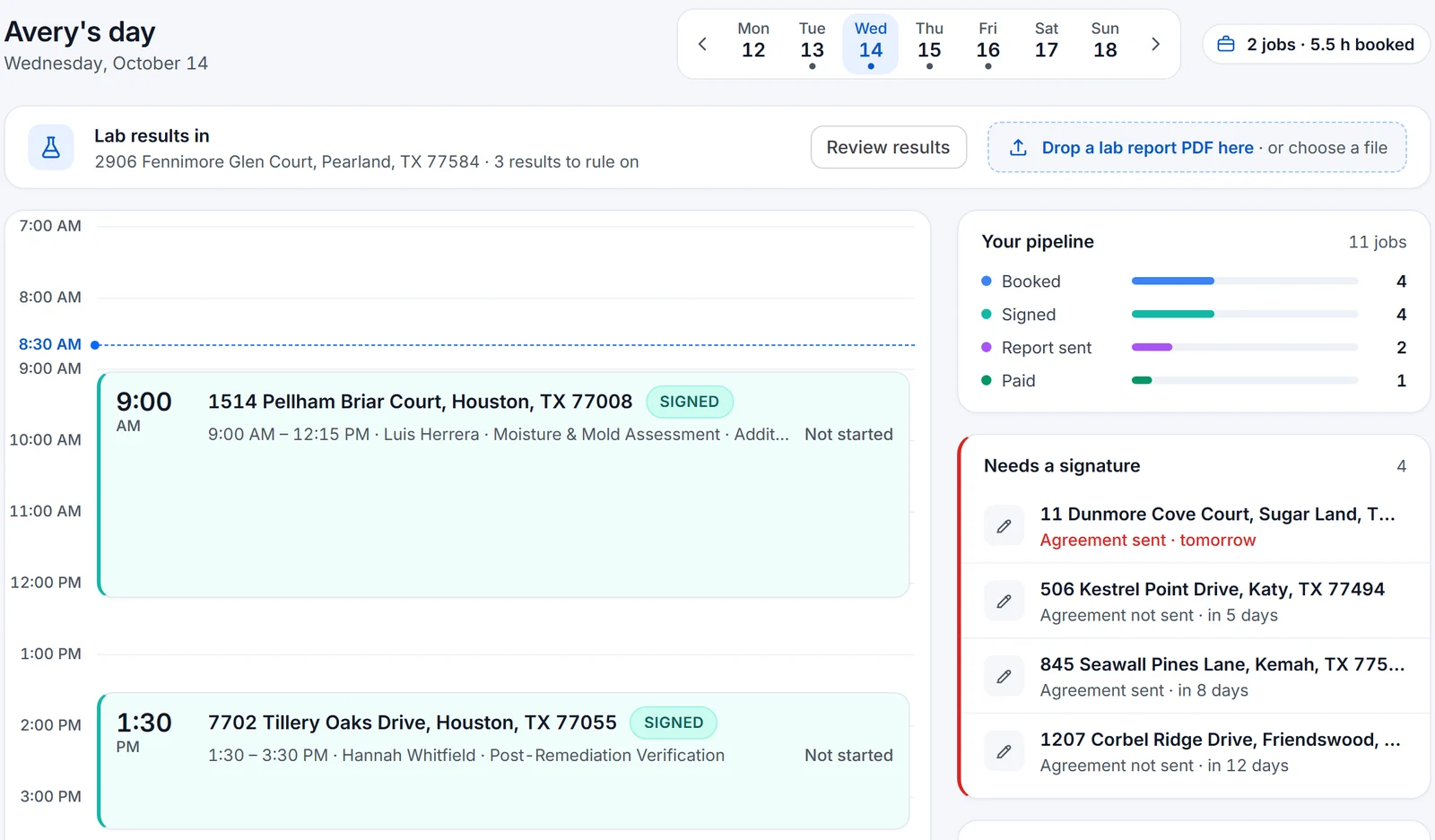
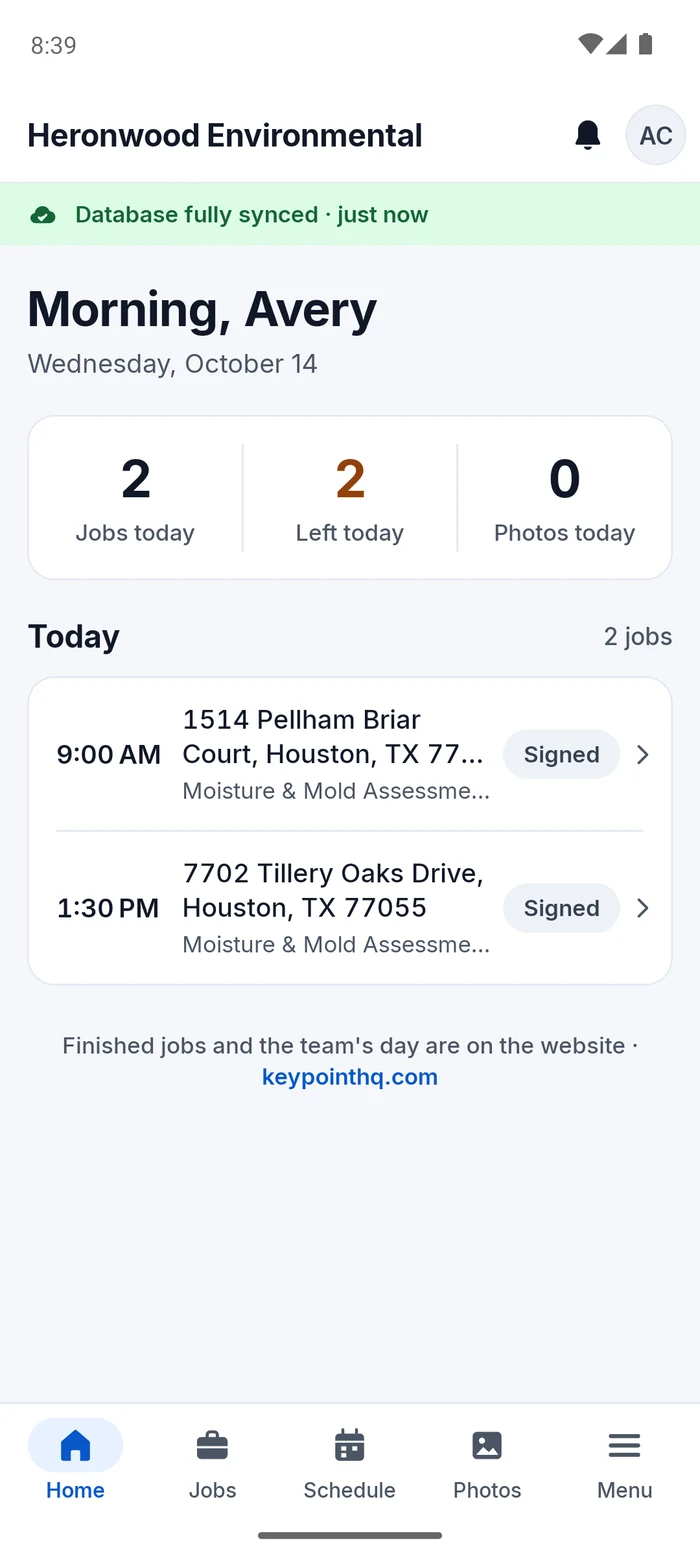
A day sheet and calendar for the whole team.
- The day as a route.
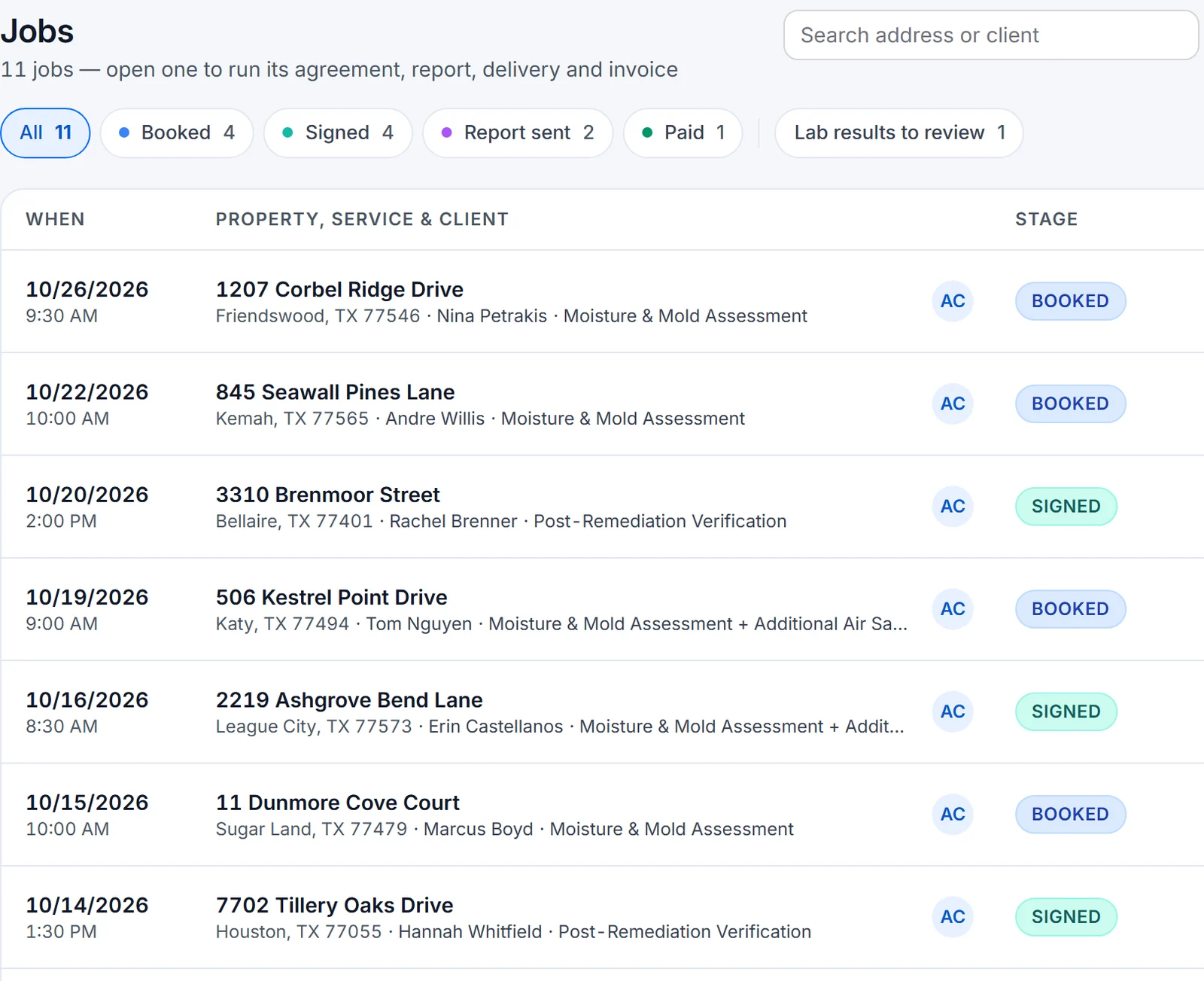
- Each person sees their jobs in order, with real progress on the one they are on.
- Assign the work.
- Owners assign jobs; each phone carries the jobs it needs.
- Analytics for owners.
- Revenue, the pipeline and what’s owed, for owners and admins only.
- Office is free.
- Office and web-only users are free.
“Book it, sign it, capture it, send it, get paid.”
See it on your own job.
Every plan starts with a 30-day free trial, no card needed.
Houston Expo special — 50% off Account setup through October 31.
- Coming soon ·App Store
- Coming soon ·Google Play