
No. 01 — The report
The
evidence
is the
product.
Your team captures the job on site, even with zero bars. Your client gets your report, with your logo, the same day.
- Coming soon ·App Store
- Coming soon ·Google Play
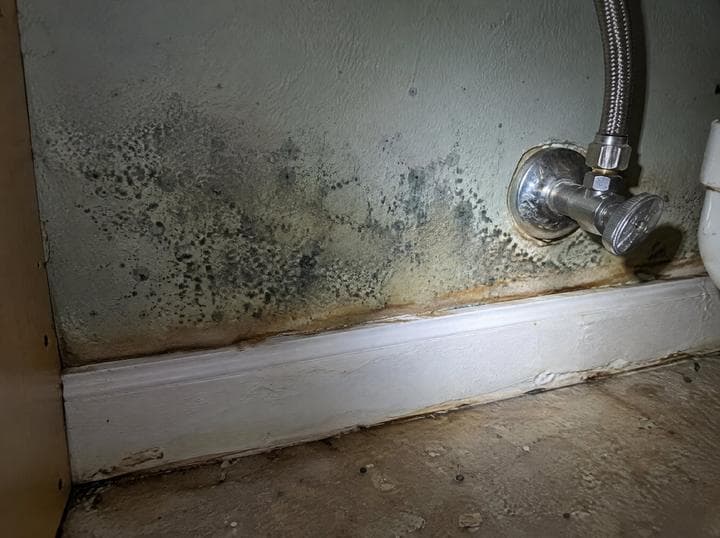
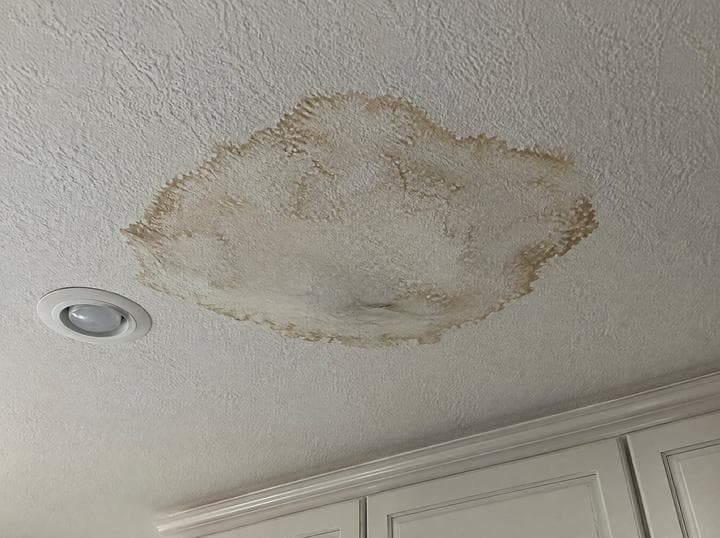
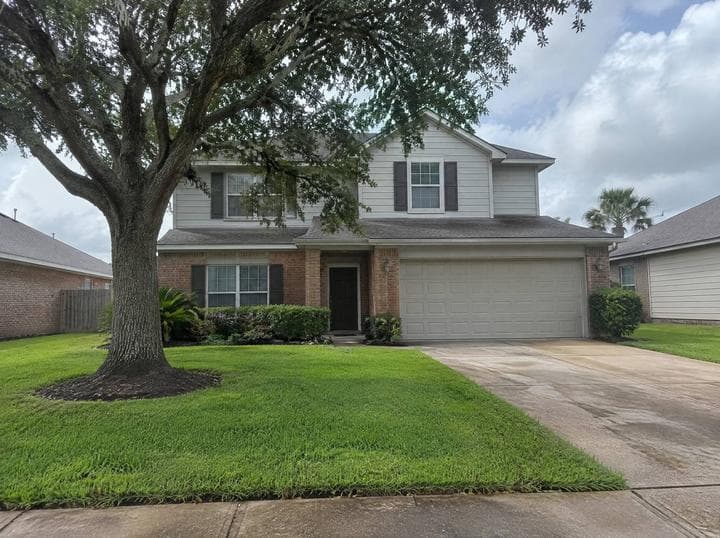
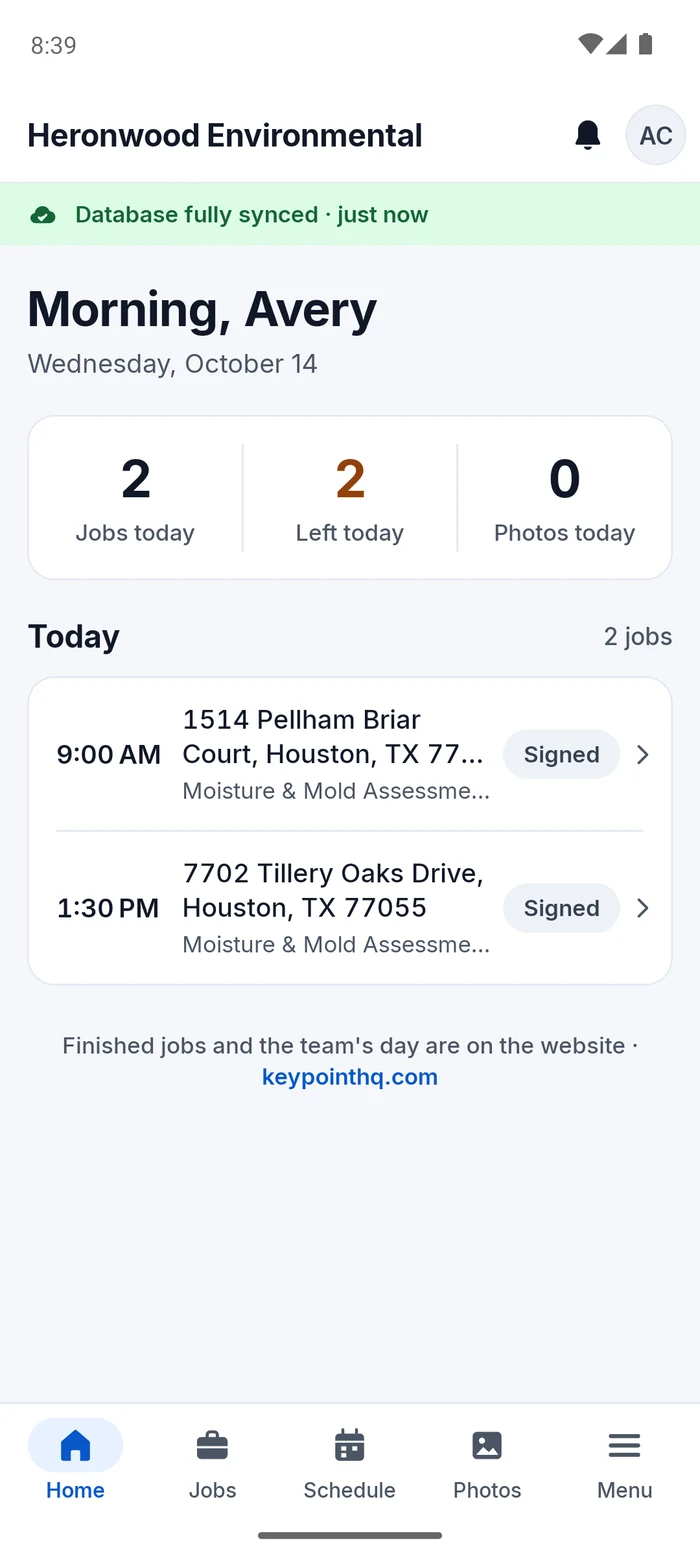
The anatomy of a job
One job: 6 hours 14 minutes.
- 8:02 AM: Booked. Then 3 min until the next step.
- 8:05 AM: Signed. Then 2 h 25 min until the next step.
- 10:30 AM: On site, no signal. Then 3 h 45 min until the next step.
- 2:15 PM: Report delivered. Then 1 min until the next step.
- 2:16 PM: Paid $545.
Real reports. Real work. Keypoint.
Captured where it happened.
No bars in the crawl space? Photos, labels, notes, voice and samples save on the phone and sync later.
- Works in attics and crawl spaces
- Saved as you go, so a dead battery loses nothing
- Syncs on its own when you’re back in range
“Zero bars is a normal Tuesday.”

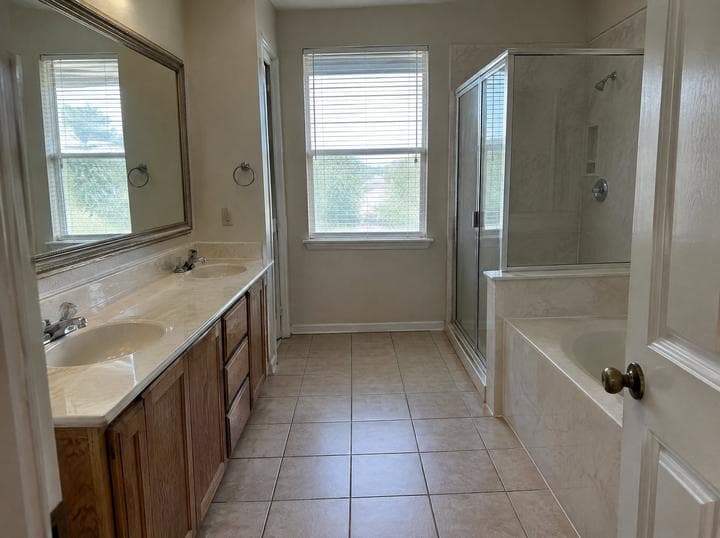
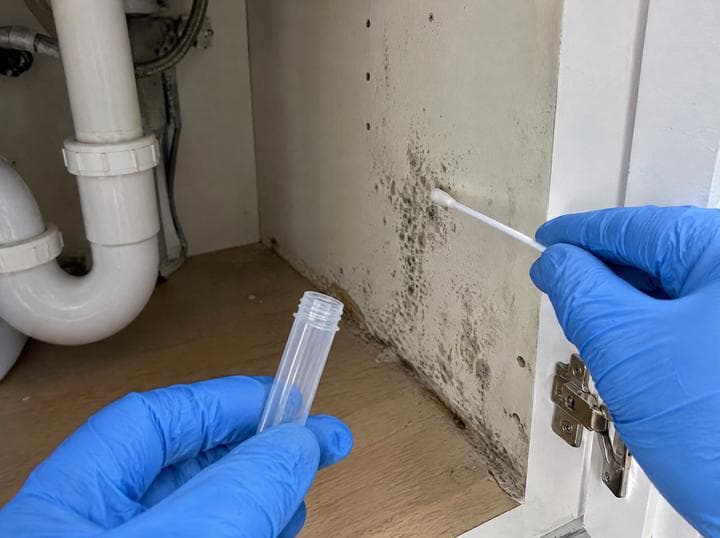
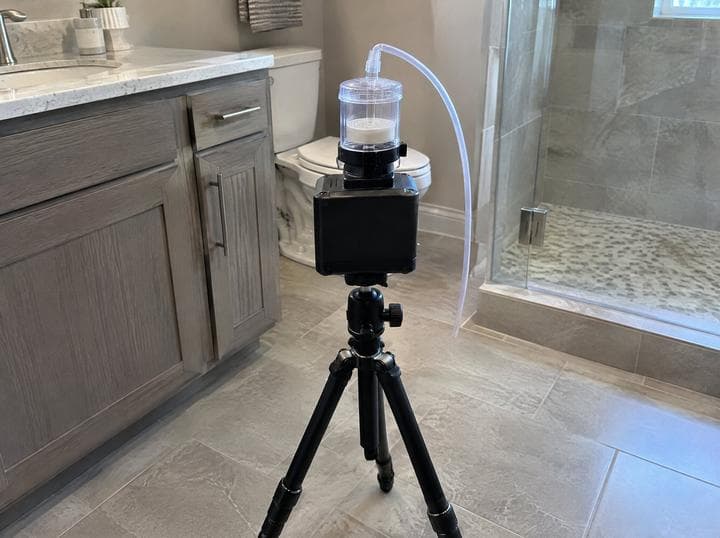
Your report. Not ours.
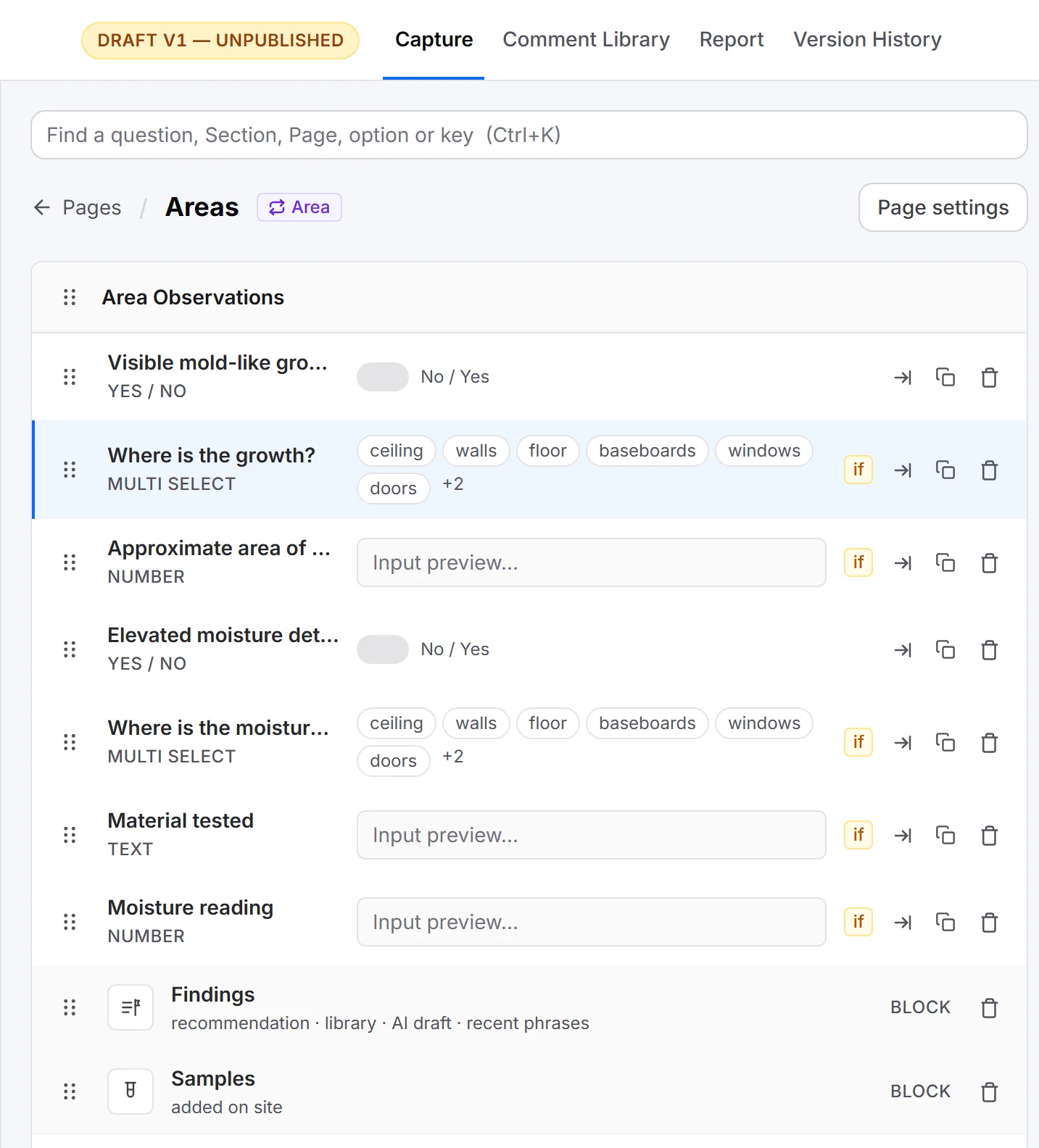
Step 1: Your Word file
The report you already send
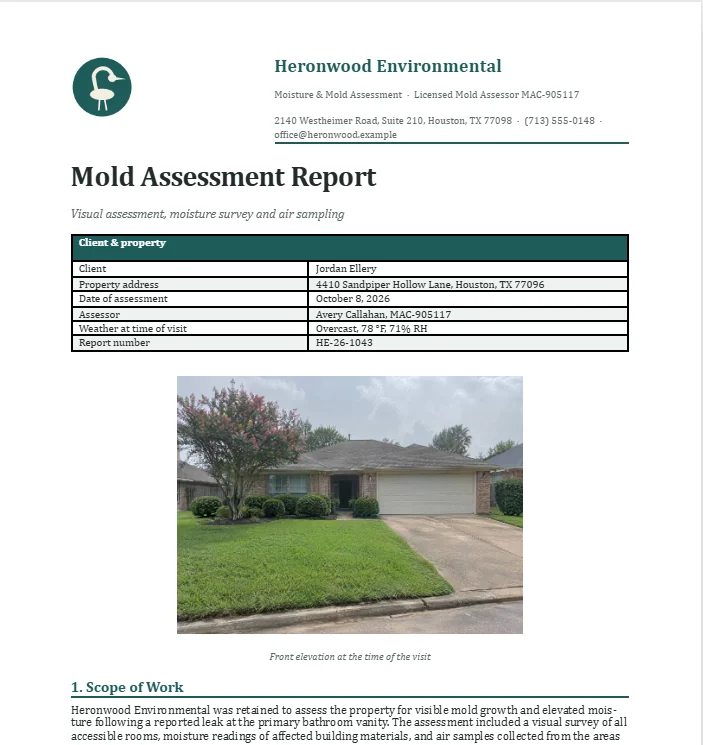
Step 2: Your Keypoint template
Blocks, your fields, your branding
Step 3: Your client’s report
Delivered in your design
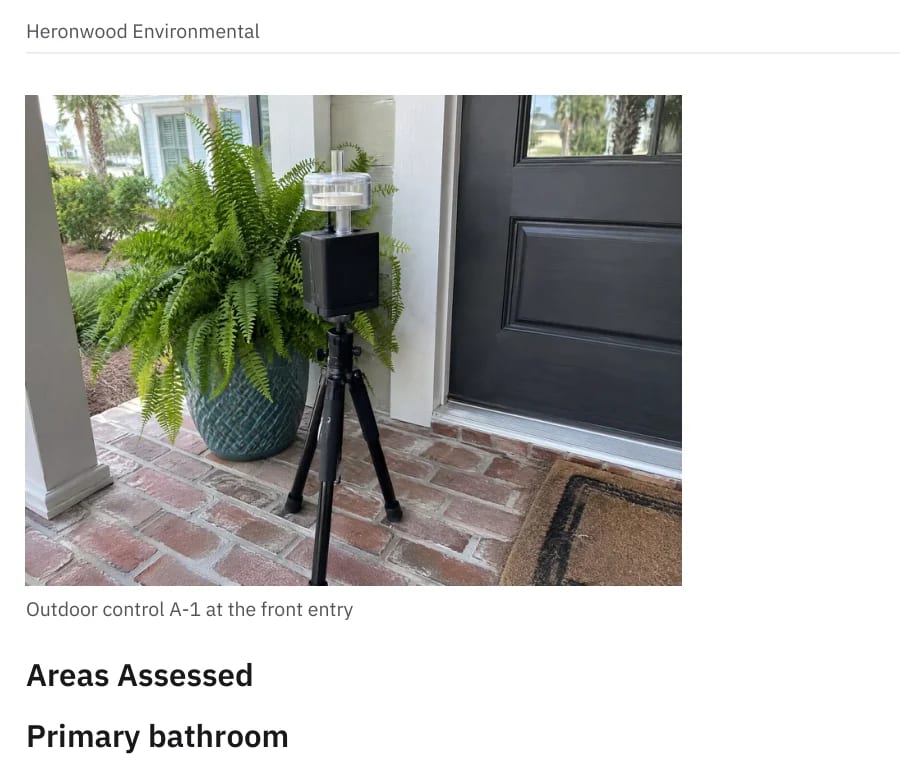
Keeps your layout, your wording and your logo.
How Word import worksIn this app
- 01Offline capturephotos, notes, voice, samples
- 02Template builderimport your Word report
- 03Booking pageautomatic reminders
- 04E-signed agreementsbefore you drive out
- 05Client portal + PDFpreliminary, then final
- 06Card & ACH paymentsthrough Stripe
- 07Lab resultsreviewed by a person
- 08Team & calendarevery job, every phone
Keypoint in numbers
- Bars needed
- 0
- Hours, booked to paid
- 6:14
- App, not four
- 1
- Most you’ll pay us per payment
- $5
Priced per person.
$100per person / month
+ 0.5% on paymentscapped at $5 per payment
$125per person / month
No Keypoint payments fee
Office and web-only users are free · Every feature in both plans · Stripe’s own processing fees still apply · Every plan starts with a 30-day free trial, no card needed.
Every Keypoint account starts with Account setup: a one-time fee of $2,995 for 1–4 people, $4,995 for 5–9 or $7,995 for 10–14 (quoted for 15+), charged with your first bill after the free trial. We build your report templates from your own Word reports, set up your branding, services, agreement, payments and team, and train your crew, so you’re running real jobs in about a week.
Houston Expo special — 50% off Account setup through October 31, 2026.
Questions, answered.
- Does it work with no signal?
- Yes. Everything your team captures is saved on the phone and syncs when it’s back in range.
- Can I keep my own report format?
- Yes. Import your Word report and it becomes your Keypoint template: your layout, your wording, your logo.
- Who counts as a person?
- People who go out on jobs. Office and web-only users are free.
- How do I get started?
- Start your free trial right here: 30 days, no card needed. We’ll email you within one business day to book your Account setup. Rather talk first? Leave your details and we’ll get in touch.
- Can I skip Account setup and set it up myself?
- Account setup is how every Keypoint account starts. It’s what makes your reports come out right from your first job. After that, you can change anything yourself, any time.
- How do my clients pay?
- By card or ACH bank transfer through Stripe, straight into your business’s own Stripe account.
- Can I cancel?
- Any time. Canceling takes effect at the end of your billing month.
- Is my data safe?
- Your data is encrypted, and each business’s data is kept separate from every other business’s.
Run your next job on Keypoint.
Every plan starts with a 30-day free trial, no card needed.
Houston Expo special — 50% off Account setup through October 31.
- Coming soon ·App Store
- Coming soon ·Google Play